Introduction to Layout
A view is a structure in SwiftUI that is used to show something to the user.
It's the parts of an app we can see.
How to position views is a key skill in building user interfaces for a software developer.
Stacks
SwiftUI uses three primary layout views:
VStack- Positions views contained inside of it vertically.
HStack- Positions views inside of it horizontally.
ZStack- Positions views inside of it using layers.
- The first view is the bottom layer.
- The final view is the top layer.
Learning how to do layout in SwiftUI is best done experimentally.
Example
Let's try to build this view:
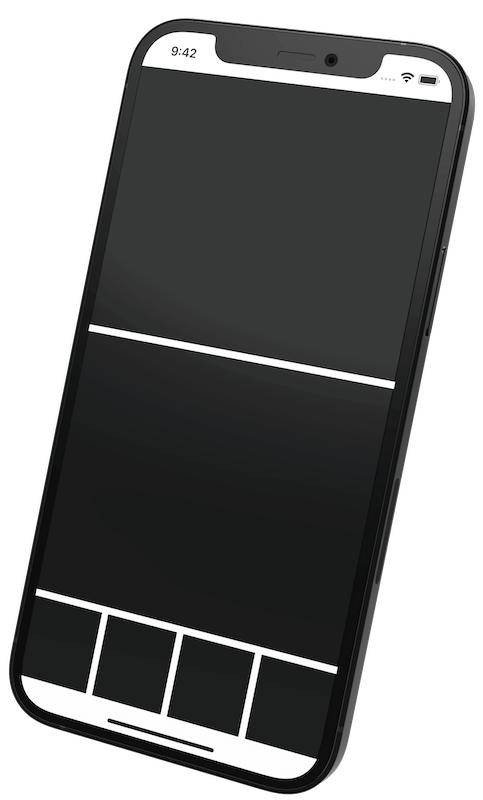
You can think of this view as a blueprint.
User interface designers call this a "wireframe" or a "block design".
Shapes
We will build this view using the Rectangle shape.
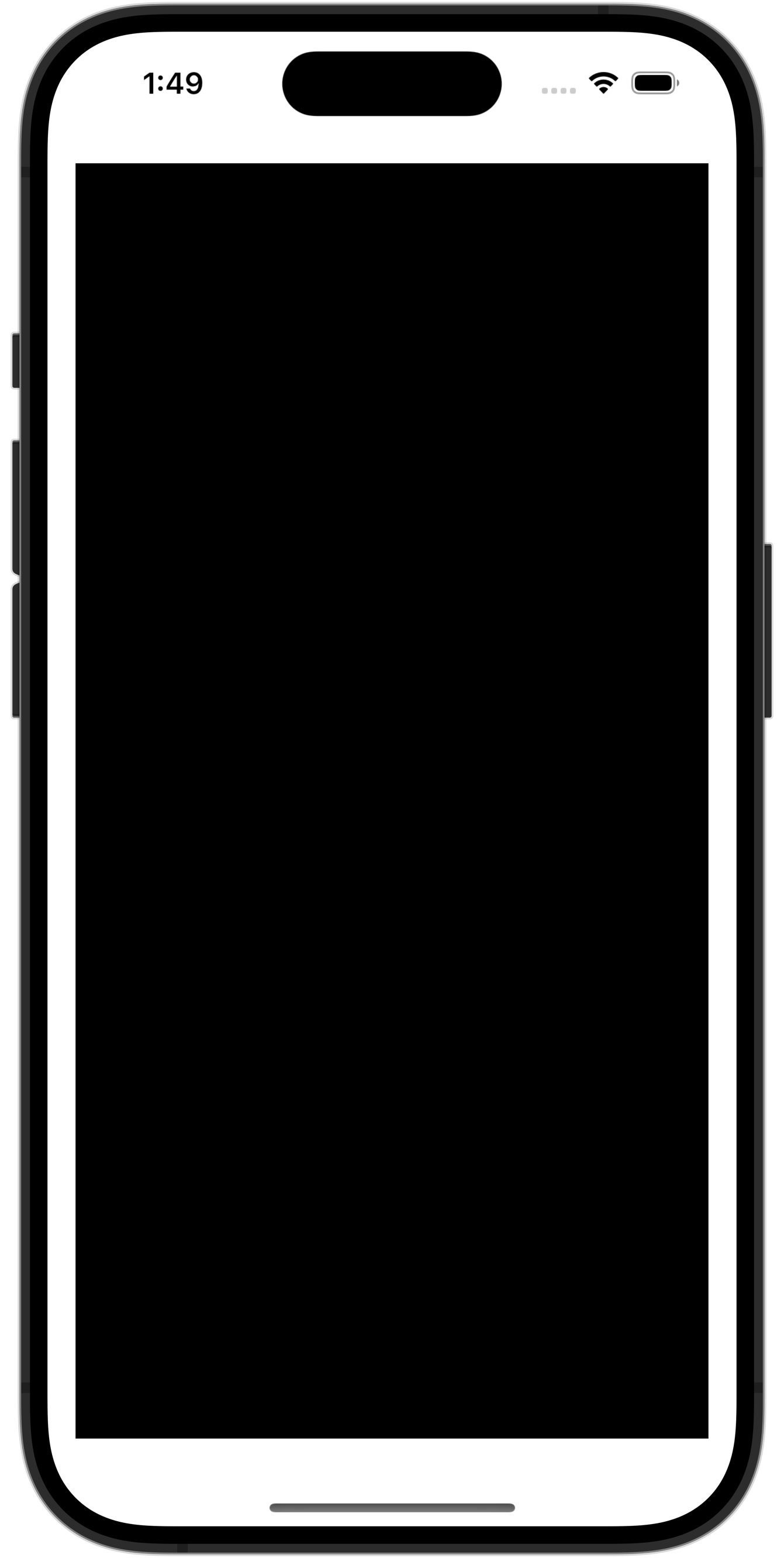
It is an example of a push-out view.
A Rectangle will push out to fill up as much space as possible, like this:
Follow the instructions given in class to create a new iOS project in Xcode.
Then, we will build the view together!