Optionals
Introduction
You already understand how to use typical data types such as Int, Double, String, and Bool.
You have already built – or will build soon – applications that accept user input in these ways:
- As an
Intvia the Stepper structure - As a
Doublevia the Slider structure.
Steppers and sliders prevent the user from providing invalid input.
This is very helpful, however, in the case of:
- a Slider – it can be hard to select a precise value.
- a Stepper – it can be slow to input a large number.
Sometimes, it would be preferable to accept "free form" or typed input from the user.
What happens, though, when invalid input is received from a user?
For example, our app might expect numeric input – but the user could type fifty rather than 50.
This is when the notion of an optional data type becomes useful.
Getting started
Please download a ZIP file of this project:

Double-click to expand the ZIP file in your Downloads folder:
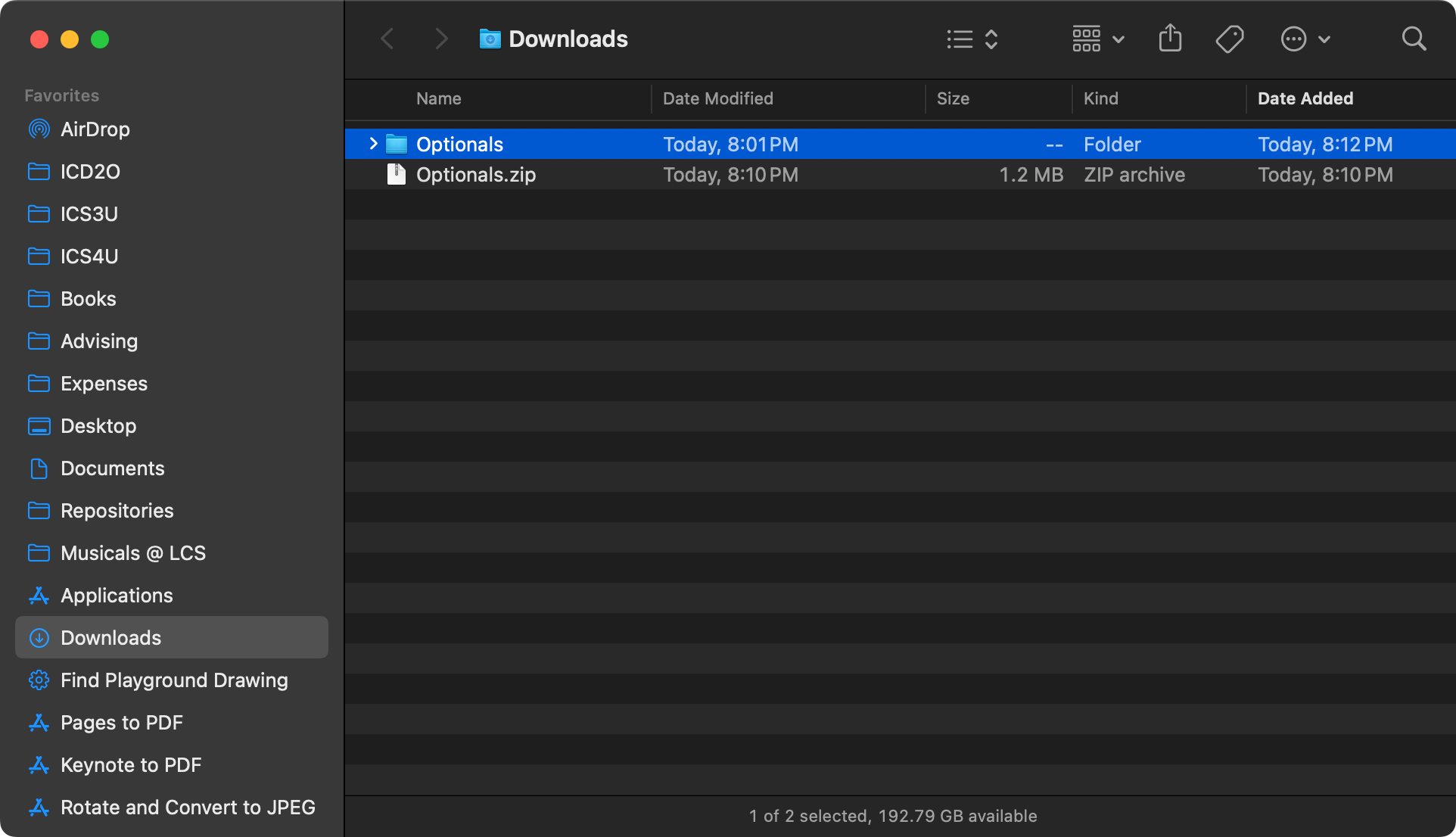
Move the new folder to your Computer Studies folder:
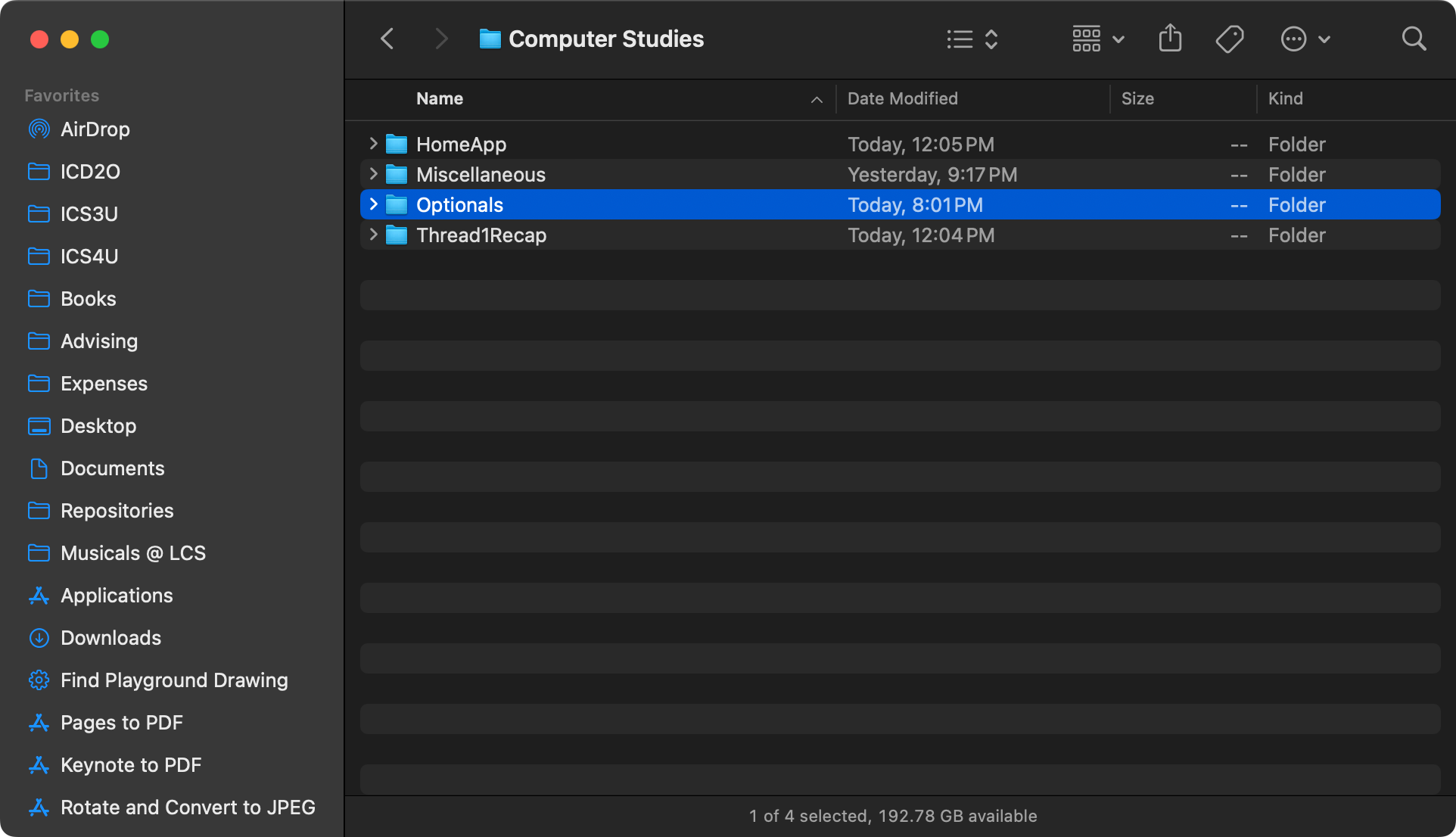
Double-click to open the folder:
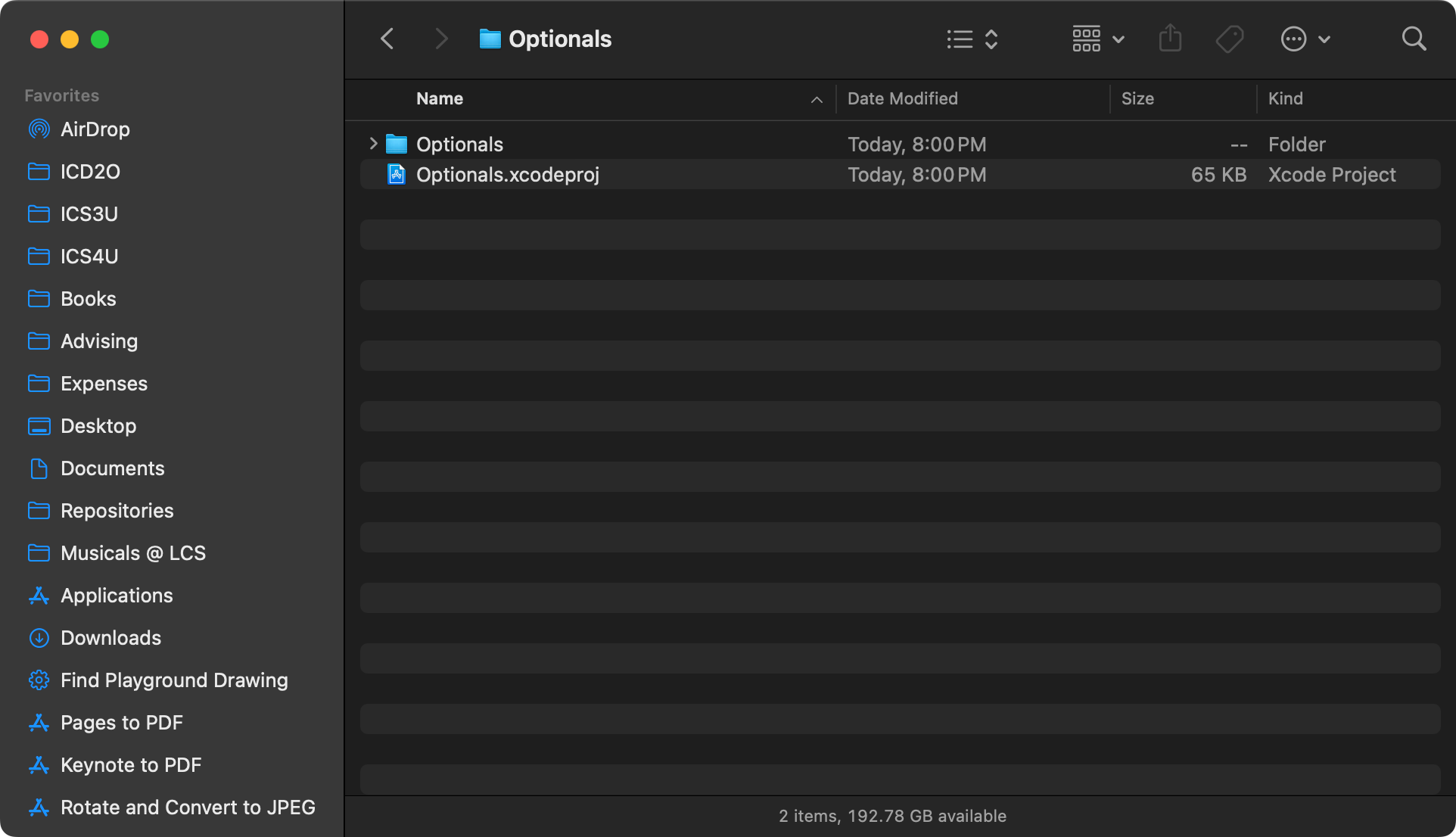
Double-click the blue .xcodeproj file:
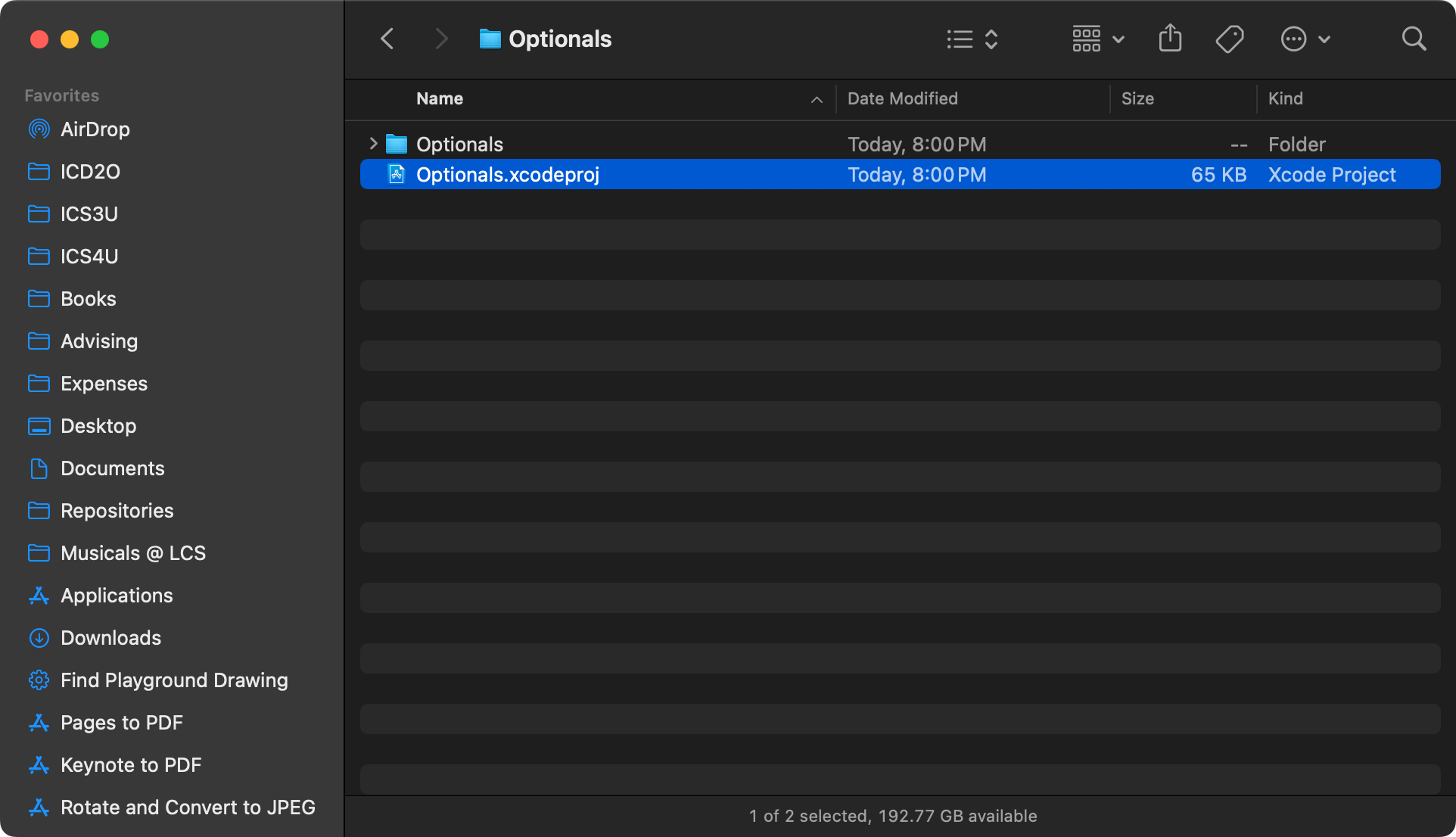
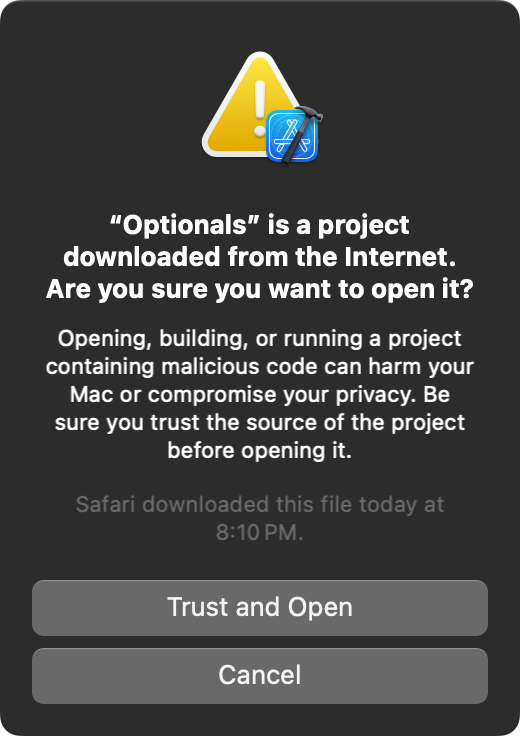
You will see the following dialog – choose Trust and Open:
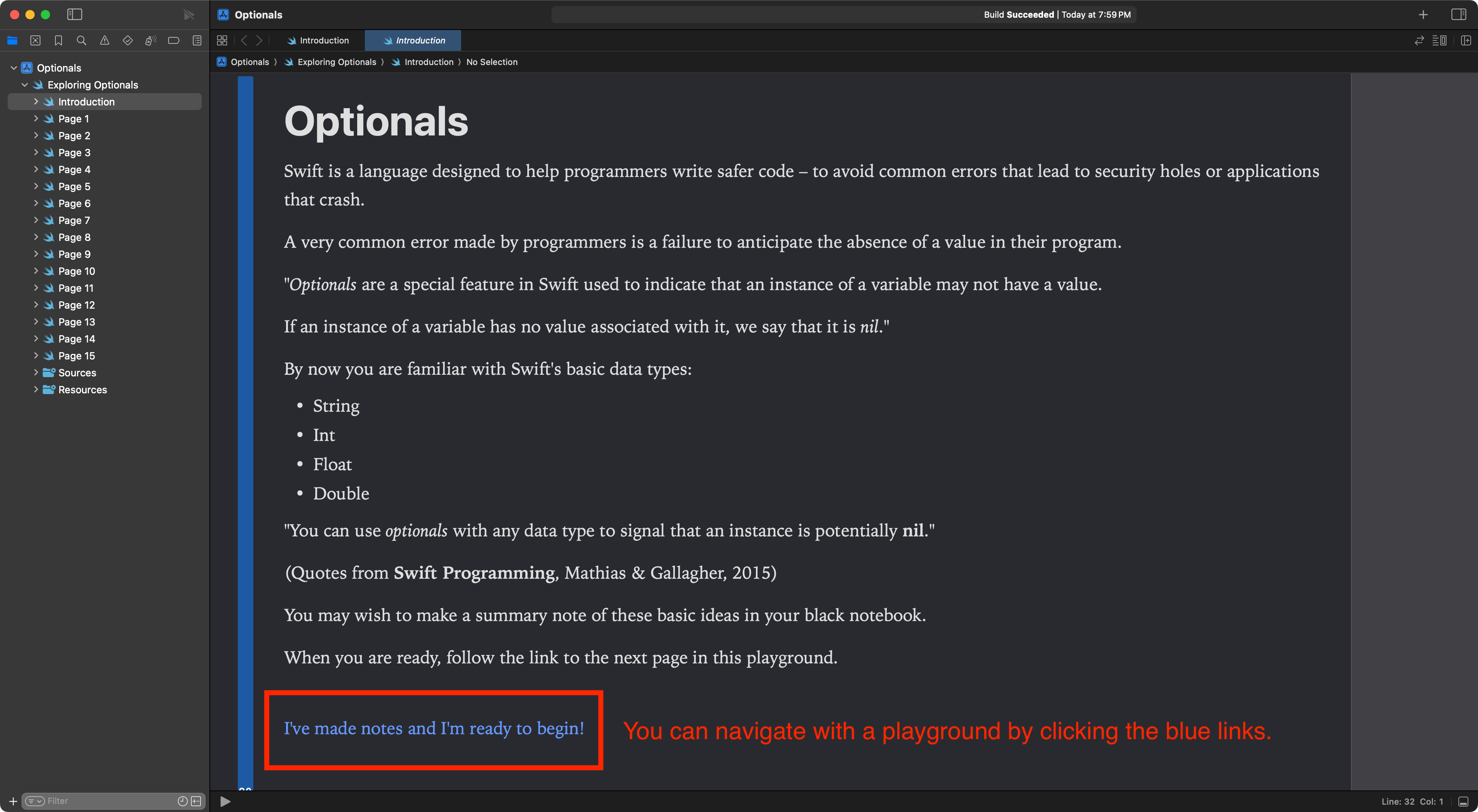
You will see the opening page of the playground. Read the introduction carefully. When you ready, tap the blue link at the bottom of the page to advance:
Try each page of the playground by following instructions given, while taking notes in your black paper notebook.
Take your time – read for understanding – write down your responses to the questions posed in your black book.
When you are done – summarize in writing what you have learned in your Notion post for today – as well as any questions you have.
Be sure to include several screenshots showing your progress as you completed the playground.